BuildQS August 2026: Pipeline and Pay Less Updates
Explore the August 2026 BuildQS updates for adding live projects to Project Pipeline, refining linked forecasts and showing Pay Less Notices clearly.

Luke Sanders
IT Developer
Updated 1 September 2026
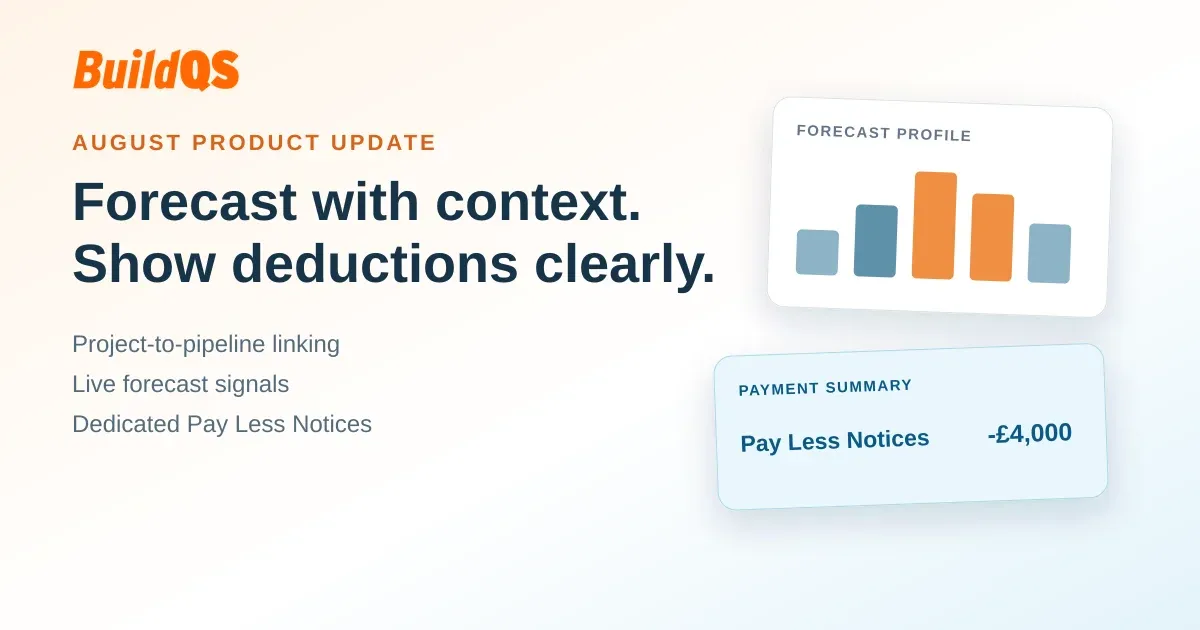
Table of contents
What is included in the August update?
Opportunity registers, live project controls, application for payment activity and commercial deductions often sit in different working files. That separation can make it harder to understand how a secured project relates to a forward forecast, or how a deduction contributes to an application total. The BuildQS August 2026 update connects more of that information while keeping the purpose of each record clear.
The update includes three practical improvements:
- Add a project that is already live to Project Pipeline as linked, secured work.
- Build its forecast profile from current project information, confirmed AFP activity and the remaining estimate.
- Create Pay Less Notices through a dedicated action and present their contribution separately from ordinary variations.
These changes do not combine forecasting, valuation and notice records into one measure. Instead, they make the relationship between those records visible while retaining the different controls and meanings that apply to each one.
Add an existing live project to Project Pipeline
An eligible live project now has an Add to Project Pipeline action in its project header. Select it to open the Pipeline Table with a new linked row ready to complete. BuildQS copies the live project's name and current value into that row. It also uses the project's start date when one is available, sets the status to Won, and sets probability to 100% because this is existing secured work rather than an uncertain opportunity.
If the live project has valid start and end dates, BuildQS prefills Duration using inclusive months. For example, a schedule from August through December has a duration of five months because both the starting and ending months are included. Duration remains editable, and a missing start date or other required schedule information can be completed in the row before saving. Submitting the row creates the pipeline record and its link to the live project. Until that submission, BuildQS has not created the linked pipeline entry.

After the link is created, the project-header action changes to Open in Project Pipeline. This provides a direct route back to the corresponding row without creating another copy.
This direction of travel is distinct from converting a prospect. A prospect begins in Project Pipeline and, when marked Won, can be converted into a new live project. The August handoff works in reverse: the live project already exists, and the user adds it to Project Pipeline so that secured work can appear in the forward planning view.
Forecast from current project information
The linked row has its own pipeline-specific schedule. Its start date and inclusive-month Duration control where estimated values can be allocated in the forecast. That schedule supports planning and does not overwrite the dates held on the live project.
The forecast also reflects current commercial information from the linked live project. The current live project value informs the linked forecast, and approved variations can update the value available to forecast. When an AFP has a confirmed value, that known value remains in its actual recognised month. BuildQS then spreads only the remaining estimated value across the later months in the pipeline schedule rather than layering the full estimate on top of confirmed activity.
Gross and Net views apply differently to known and estimated values. Switching the presentation can show known application values on their available Gross or Net basis. It does not convert future estimates into expected net cash. This boundary avoids presenting a planning assumption as though deductions, certification or receipt timing were already known.
Reconciliation indicators provide context when the linked information and stored forecast assumptions no longer align. For example, a live value may have changed since the row was set up, or confirmed activity may fall outside the selected pipeline schedule. These indicators prompt review; they do not rewrite the project schedule or make a commercial judgement for the user.
Project Pipeline is a planning tool, not recognised revenue, a certified sum, or a guarantee of cash flow. A confirmed AFP value identifies activity in its recognised month, but that is not the same as predicting a cash receipt date. The separate Project Pipeline forecast should therefore be read as a planning profile built from current information, not as an accounting or payment conclusion.

Add and present Pay Less Notices clearly
The Master Valuation Add menu now includes a dedicated Add Pay Less Notice item. This opens a purpose-specific form for a negative commercial adjustment. The calculated value must be negative, and the created item is explicitly classified as a Pay Less Notice. BuildQS does not rely on wording in a description or reference to infer that classification.
Like other valuation changes that require approval, a Pay Less Notice does not become available for inclusion in a draft AFP until it has been approved. This keeps creation, review and application inclusion as separate steps. It also means users can identify the intended adjustment before it affects an application.

Once approved and included, the Pay Less Notice remains part of the existing financial total but receives separate presentation. Application summaries can show incl. Pay Less Notices when the contribution is non-zero. Application and valuation PDFs use Of which Pay Less Notices (this app/to date) labels and light-blue treatment. Invoice PDFs distinguish Pay Less Notice lines and summaries by their labels and descriptions, not by colour. Ordinary variations retain their own presentation.
This is a clearer breakdown of the same calculation, not a second deduction. BuildQS includes the adjustment once in the relevant total and identifies how much of that total relates to Pay Less Notices. The separate row should not be added to or subtracted from the displayed total again.

The Master Valuation adjustment is also different from the application-level statutory notice record. The adjustment records the commercial value that can flow through the valuation and AFP workflow. The application-level record remains available for recording notice details for its separate purpose. Neither record replaces the contractual process for serving, receiving or reviewing a notice.
BuildQS records and presents the information but does not determine whether a notice is legally valid. Users remain responsible for the contract, timing, content and professional review that apply to a particular notice.
A connected £240,000 example
Consider a live project named Riverside Office Refurbishment with a current value of £240,000. The user selects Add to Project Pipeline, reviews the copied name, value and start date, and uses a five-month inclusive forecast schedule. The new row is saved as Won at 100% probability because it represents a project that is already live.
At first, the planning profile can spread the available estimate across those five forecast months. When one AFP value becomes confirmed, BuildQS keeps that value in its recognised month. Only the remaining estimate is spread across the later forecast months. The result connects known project activity with the outstanding planning estimate without treating the confirmed month as a cash receipt date.
Now assume the Master Valuation contains an approved -£4,000 Pay Less Notice. When that adjustment is included in the relevant application, it appears once in the payment calculation and is identified separately under incl. Pay Less Notices. It is not grouped visually with an ordinary variation, and the breakdown does not deduct the amount a second time.
The example links three views without changing their meanings. The £240,000 value informs the linked project forecast, the confirmed AFP amount belongs to its recognised month, and the -£4,000 item is a negative commercial adjustment in the payment breakdown. The pipeline timing remains a forecast assumption, while the Pay Less Notice classification records and presents the adjustment without deciding its legal effect.
What stays unchanged?
Linking a live project does not allow the pipeline-specific schedule to overwrite the live project's own schedule. The forecast remains a set of planning assumptions that should be reviewed as project values, approved variations and confirmed AFP activity develop.
Pay Less Notice approval still applies before the adjustment can be included in an AFP. Ordinary variations remain separately classified and presented, and the clearer Pay Less Notice breakdown does not change the established financial total.
Application-level compliance records also remain available for their separate purpose. The Master Valuation adjustment supports commercial calculation and presentation; it is not a substitute for the record or process associated with a statutory notice.
Connect project forecasting with payment detail
Keep project forecasts, confirmed AFP activity and commercial deductions visible in one BuildQS workflow.
Start Free TrialBook a DemoPrefer to walk through your workflow live first? Book a Demo
Sources
- BuildQS product documentation and editorial notes (reviewed 1 September 2026).
- Public UK construction payment and retention guidance relevant to this topic.