BuildQS Legal Suite: insurance and project documents
Keep insurance certificates, signed project contracts and company records together in BuildQS Legal Suite, and understand what Document check means before an application.

Luke Sanders
Keep insurance certificates, signed project contracts and company records together in BuildQS Legal Suite, and understand what Document check means before an application.
Luke Sanders

Keep related additions and omissions together in a BuildQS variation schedule. Learn how to group tasks, omit original work and check a replacement-work example.
Luke Sanders
Choose the right BuildQS free tool for retention, payment applications, labour costs, CIS or project margins, with worked examples and practical checks.
Luke Sanders
A detailed walkthrough of linking existing Pipeline entries to live projects, choosing forecast dates, reviewing valuations and reading won/lost conversion figures.
Luke Sanders
Explore the August 2026 BuildQS updates for adding live projects to Project Pipeline, refining linked forecasts and showing Pay Less Notices clearly.
Luke Sanders
Learn how to turn won construction work into an approved Master Valuation Schedule, then use it to prepare the first accurate payment application.
Luke Sanders
Connect QuickBooks Online to BuildQS and turn approved construction payment applications into QuickBooks invoices, with customers, Classes, Locations, retention, DRC VAT and paid status kept in step.
Luke Sanders
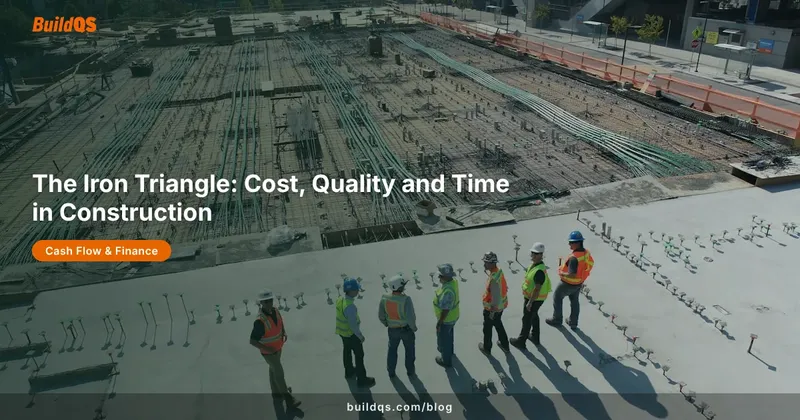
Cost, quality and time are the three sides of the iron triangle. Here is what each one means on a construction job, why you cannot maximise all three, and how to choose.
Luke Sanders
See how BuildQS Project Pipeline organises prospective work and turns estimated values, probability and timing into a practical construction revenue forecast.
Luke Sanders
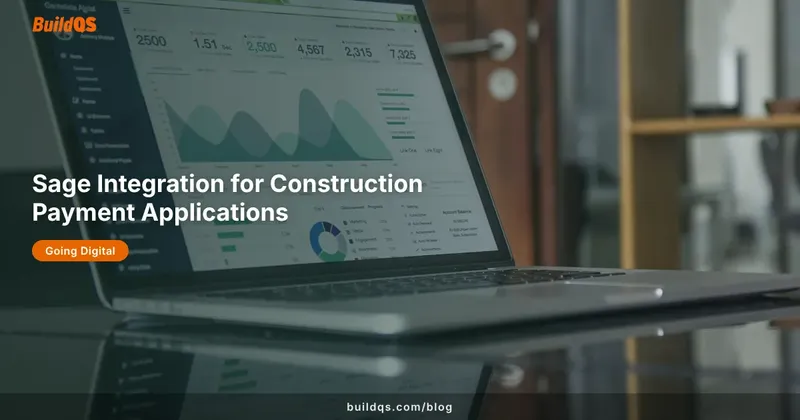
Connect Sage Business Cloud Accounting to BuildQS and turn approved construction payment applications into Sage sales invoices, with retention, deposits and VAT reverse charge handled.
Luke Sanders
How draft, submitted, approved and paid statuses work in BuildQS, including the newer-application lock, revert-to-draft, and the discount snapshot at submission.
Luke Sanders
Enter an application for payment as cumulative completion percentages or as the pound value claimed this period, without changing the underlying valuation.
Luke Sanders