BuildQS Legal Suite: insurance and project documents
Keep insurance certificates, signed project contracts and company records together in BuildQS Legal Suite, and understand what Document check means before an application.

Luke Sanders
IT Developer
AAT qualified, Xero certified developer building software to modernise construction payment processes.
Keep insurance certificates, signed project contracts and company records together in BuildQS Legal Suite, and understand what Document check means before an application.
Luke Sanders

Keep related additions and omissions together in a BuildQS variation schedule. Learn how to group tasks, omit original work and check a replacement-work example.
Luke Sanders
Choose the right BuildQS free tool for retention, payment applications, labour costs, CIS or project margins, with worked examples and practical checks.
Luke Sanders
A detailed walkthrough of linking existing Pipeline entries to live projects, choosing forecast dates, reviewing valuations and reading won/lost conversion figures.
Luke Sanders
A practical guide to checking published payment reports before taking a subcontract, with fictional examples, retention checks and a pre-contract checklist.
Luke Sanders
A practical final account construction checklist for UK subcontractors to protect variations, deductions, retention and close-out cash.
Luke Sanders
Understand the difference between a payment notice and a pay less notice in UK construction, with a worked example and subcontractor checklist.
Luke Sanders
UK construction financial distress is still high. Here is what subcontractors should check now to protect cash flow, payment applications and retention.
Luke Sanders
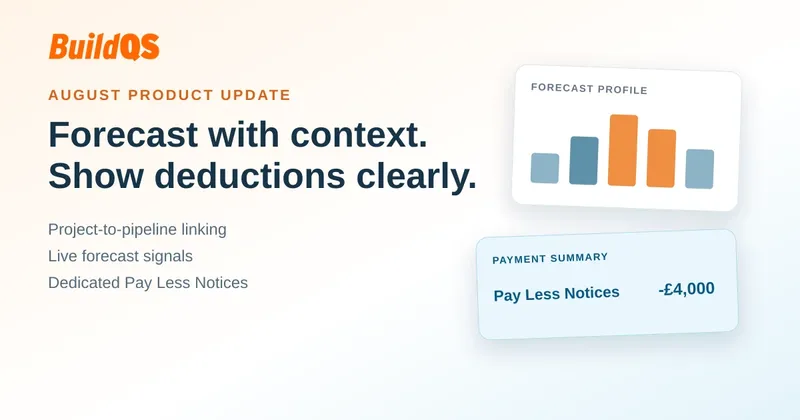
Explore the August 2026 BuildQS updates for adding live projects to Project Pipeline, refining linked forecasts and showing Pay Less Notices clearly.
Luke Sanders
The Commercial Payments Bill brings a 60-day payment cap, mandatory statutory interest, and a retention ban. Here is what UK subcontractors should do now.
Luke Sanders
Learn how to turn won construction work into an approved Master Valuation Schedule, then use it to prepare the first accurate payment application.
Luke Sanders
Connect QuickBooks Online to BuildQS and turn approved construction payment applications into QuickBooks invoices, with customers, Classes, Locations, retention, DRC VAT and paid status kept in step.
Luke Sanders